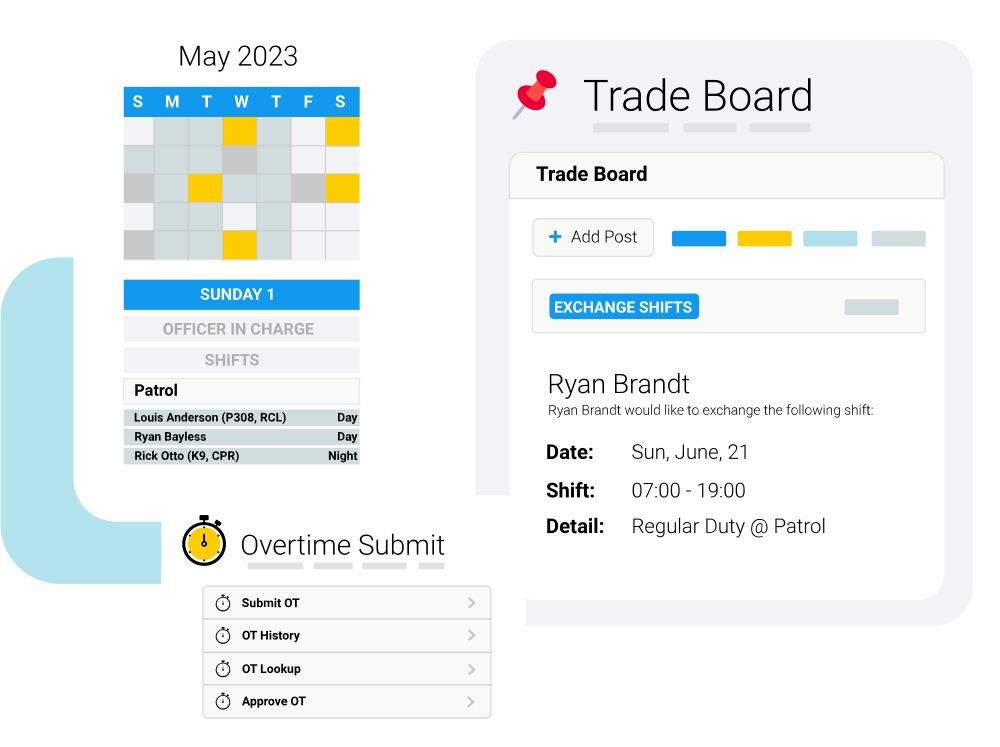
Common Public Safety Scheduling Challenges
Physical master boards, manual shift grids, and generic commercial calendars create bottlenecks and compliance gaps inside first responder teams.
- Managing complex shift rotations
- Controlling overtime costs
- Reducing scheduling conflicts
- Simplifying leave management
- Improving payroll accuracy
- Supporting FLSA and union compliance
Automate Public Safety Scheduling, Overtime, and Time Tracking

Department Support Security
Control who can view schedules, approve leave, assign overtime, or edit employee records based on department, division, or role.

Automated Overtime Management
Build overtime lists based on agency rules, union agreements, FLSA requirements, employee availability, consecutive hours worked, and seniority to ensure fair and compliant shift assignments.

Proactive Time Off Projection Logs
View real time balance projections that calculate future leave accrual trends automatically, blocking overdraft requests before supervisor sign offs occur.
Manage Scheduling from the Office or the Field
Help your shift commanders, field personnel, and human resource managers track daily timesheets in fewer steps.
-
Build Your Agency Schedule
Create recurring patrol rotations, fire schedules, dispatcher shifts, or correctional staffing plans using configurable scheduling rules. Publish schedules across departments while maintaining role based visibility and staffing requirements. -
Employees Manage Their Time
Employees can securely view schedules, request time off, swap shifts (if enabled), clock in and out, and sign up for available overtime using the web or mobile app. -
Automate Scheduling and Overtime
PowerTime automatically applies agency policies, union agreements, FLSA rules, minimum staffing requirements, and overtime eligibility to help managers make fair, compliant scheduling decisions. -
Review and Approve Time
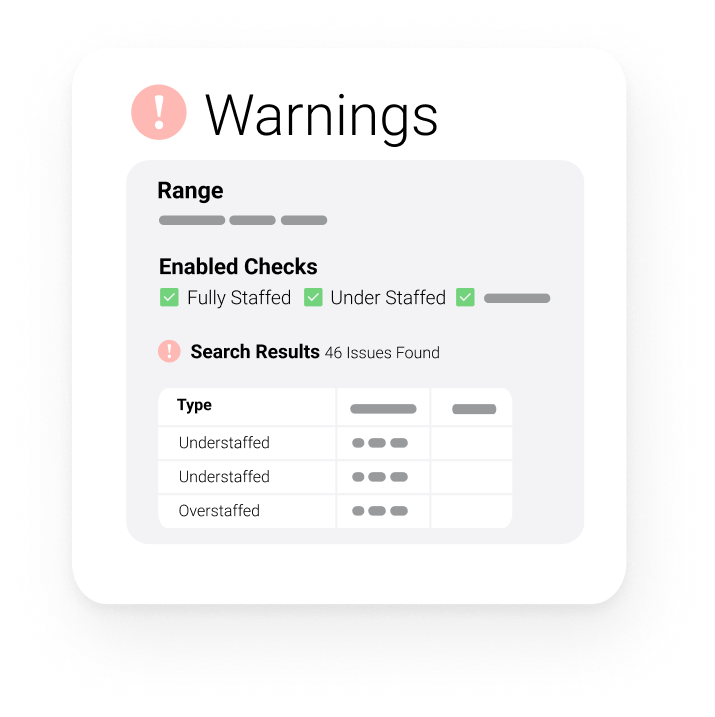
Supervisors review employee time, leave requests, overtime, and exceptions from a centralized dashboard. Automated alerts help identify scheduling conflicts, overtime limits, and staffing gaps before approvals are finalized. -
Export to Payroll and Reporting
Once time is approved, PowerTime exports payroll-ready data and provides reporting on schedules, overtime, leave balances, staffing, and labor costs to help agencies improve efficiency and compliance.
.svg)
Improve Efficiency, Reduce Overtime Costs, and Support Compliance
Reduce manual work, improve scheduling accuracy, control overtime costs, and maintain compliance while giving employees better visibility into their schedules and time off.
- Reduce Administrative Work: Automate scheduling, leave management, time tracking, and payroll workflows to eliminate duplicate data entry and reduce time spent on manual administrative tasks.
- Improve Compliance & Audit Readiness: Maintain accurate records with detailed audit logs, digital approvals, and automated policy enforcement to support labor compliance and reduce payroll errors.
- Control Overtime Costs: Enforce overtime rules, staffing requirements, and employee eligibility to help prevent unnecessary overtime and scheduling errors to make informed staffing decisions.
- Improve Employee Retention: Give employees self-service access to transparent schedules, leave balances, overtime opportunities, and time-off requests through a secure web and mobile experience.
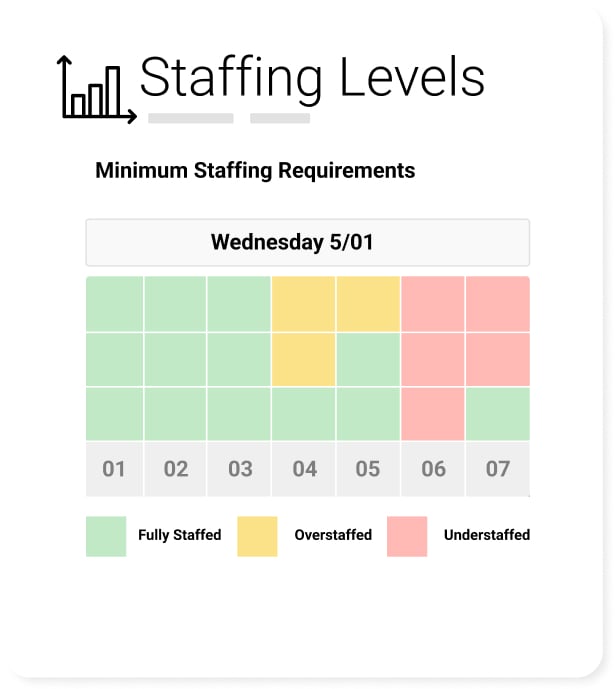




Connect PowerTime with Your Existing Public Safety Systems
PowerTime integrates with payroll, HR, onboarding, learning management, and other workforce management solutions to eliminate duplicate data entry and keep employee information synchronized across systems.
- PowerPolicy: Aligns your daily scheduling and staffing needs with policy requirements. Ensure that the staff assigned to shifts have met all credentialing and policy standards.
- PowerDetails: Integrates with PowerTime to offer a single calendar view that combines on-duty shifts with off-duty secondary employment jobs, preventing scheduling conflicts and double booking.
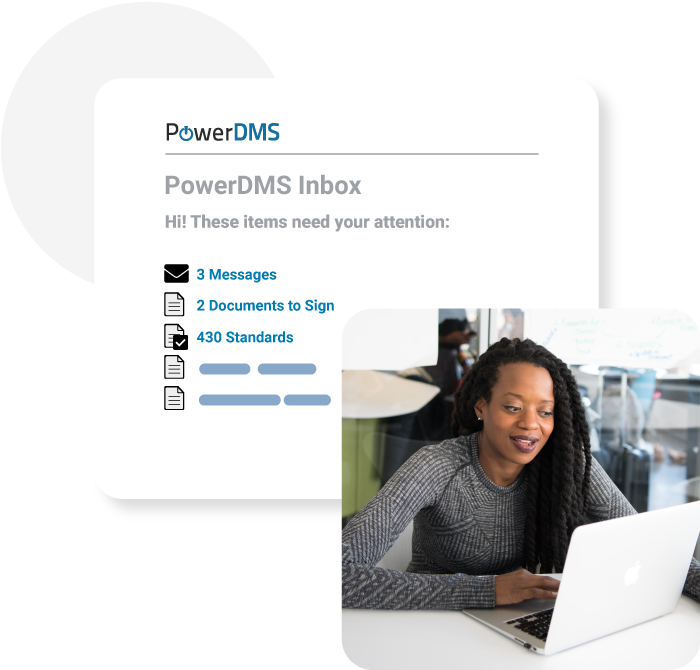
Secure Workforce Data
PowerTime protects sensitive workforce data with role based permissions, detailed audit logs, secure cloud hosting, and controls designed for public sector organizations.
- Role Based Visibility Restrictions: Configure visibility parameters so that specialized charge code calculations or medical leave details are visible only to authorized specialists.
- Unedited transaction logs: Logs an unedited, digital trail of all timesheet corrections, supervisor approvals, and manual overrides for continuous compliance audits.
- Secure Cloud Hosting: Protect municipal datasets by hosting records on resilient cloud servers engineered to satisfy strict government information security policies.
Read more about PowerTime




Read more about PowerDMS PowerPolicy




Public Safety Software Solutions for Every Agency Need
Explore our complete public safety management system – software solutions and digital tools designed to replace paper processes, simplify compliance, and strengthen community trust.